Connect Moqups to the tools you love
Moqups fits into your workflow with plugins, extensions, and integrations for tools you use every day.
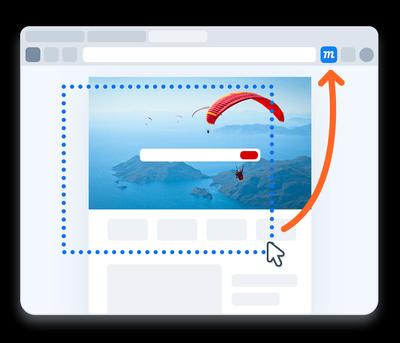
Convert web pages and AI designs into editable mockups
The Moqups extension for Chrome and Firefox lets you convert webpages and AI designs into fully editable layouts. You can also generate design briefs, grab screenshots, create new projects, and enable our in-app color picker.
- Convert entire web pages or selected elements
- Choose current layout or adjust to desktop, laptop or phone view
- Generate an AI design brief from the open browser window
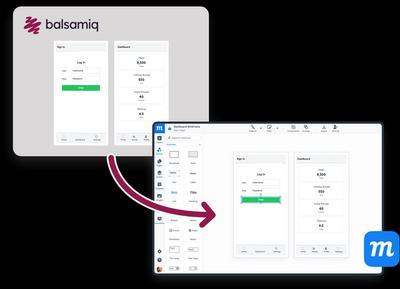
Move your Balsamiq work into Moqups
Are you building layouts in Balsamiq but want more than low fidelity wireframes? Or need diagramming and whiteboarding capability as well? We've made it seamless to move your projects into Moqups.
- Drop any Balsamiq file onto your Moqups page
- Copy and paste individual elements to Moqups projects
- No plugin needed
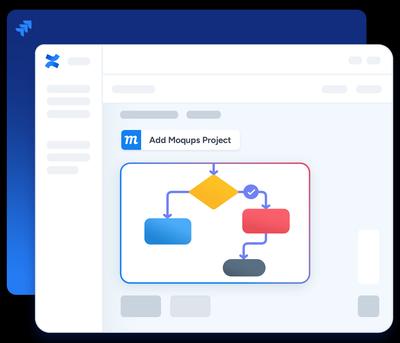
Embed Moqups projects inside Confluence and Jira Cloud
Your team already lives in Confluence and Jira. With the Moqups apps for Atlassian cloud platforms, your whiteboards, wireframes, and diagrams can live there too – embedded in the pages and issues where decisions get made.
- Add Moqups projects to Confluence pages and Jira issues
- View Moqups projects in Atlassian or edit in Moqups
- Keep developers, product managers, and designers working from the same visual reference and source of truth
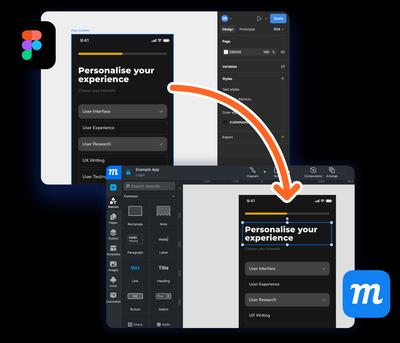
Bring Figma designs into Moqups in seconds
Maybe your team is switching to Moqups as an alternative to Figma. Or your designer works in Figma, and the product team uses Moqups. Either way, our dedicated Figma plugin lets you bring designs into Moqups for quick ideation, iteration, and collaboration with stakeholders.
- Copy any object or frame from Figma
- Paste directly into any Moqups project or page
- Edit designs, add requirements, get feedback
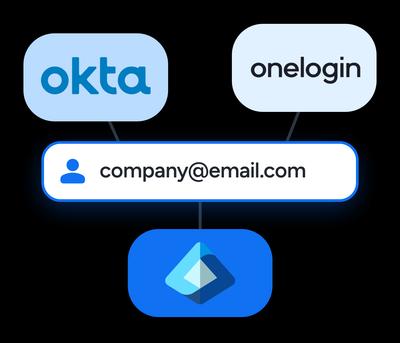
SAML SSO and SCIM through your own IDP
For organisations managing Moqups at scale, your IT team can handle access through Okta, OneLogin, or Microsoft Azure AD with no separate account management or manual onboarding.
- SAML SSO: Staff log into Moqups through your current identity provider
- SCIM Provisioning: Add and remove users automatically as they join or leave your organization
- Full Access Control: No extra overhead for your IT team
 Google Integration
Sign in with Google and connect to Drive
You can use your Google Account to sign up and log in to Moqups. Connecting to Google Drive lets you keep Moqups work right next to the rest of your files.
- Sign in with Google with no separate Moqups password needed
- Export whole projects or pages to Drive as PNG, PDF or offline HTML
- Add links to Moqups projects in Drive, and create new projects from Drive
How Moqups uses Google data
Your name, email address and Google Account ID
To create and identify your Moqups account, sign you in, and show your name to the collaborators you invite.
Drive files that Moqups creates, or that you open with Moqups
To export projects, add project links, and open or create Moqups projects from Drive when you ask us to. Moqups does not access any other files in your Drive.
We never use your Google data for advertising, never sell it, and never use it to train general-purpose AI models.
You can disconnect Google Drive at any time from the Integrations tab of your Moqups Dashboard, or remove Moqups' access from your Google Account permissions page.
Moqups' use and transfer to any other app of information received from Google APIs will adhere to the Google API Services User Data Policy, including the Limited Use requirements.
More integrations, more ways to use Moqups.

Slack
Using Moqups for Slack lets teams monitor their progress on Moqups projects – directly from Slack channels.

Dropbox
Use our Dropbox integration to export PNG, PDF and HTML versions of your Moqups projects to your Dropbox account.

Box
For easy storage and sharing, our Box integration lets you export PNG, PDF and HTML versions of projects right into Box.

Trello
Create a new Trello card, directly from your Moqups page. Add actionable tasks without copy-pasting or switching apps.
Your workflow. Your tools.
Moqups in the middle.
Join over 2 million professionals that use Moqups to collaborate, and communicate – whichever tools they use.
Get started for FREENo credit card required